
Click and Collect for UAE Retailers: Making the Handover Work
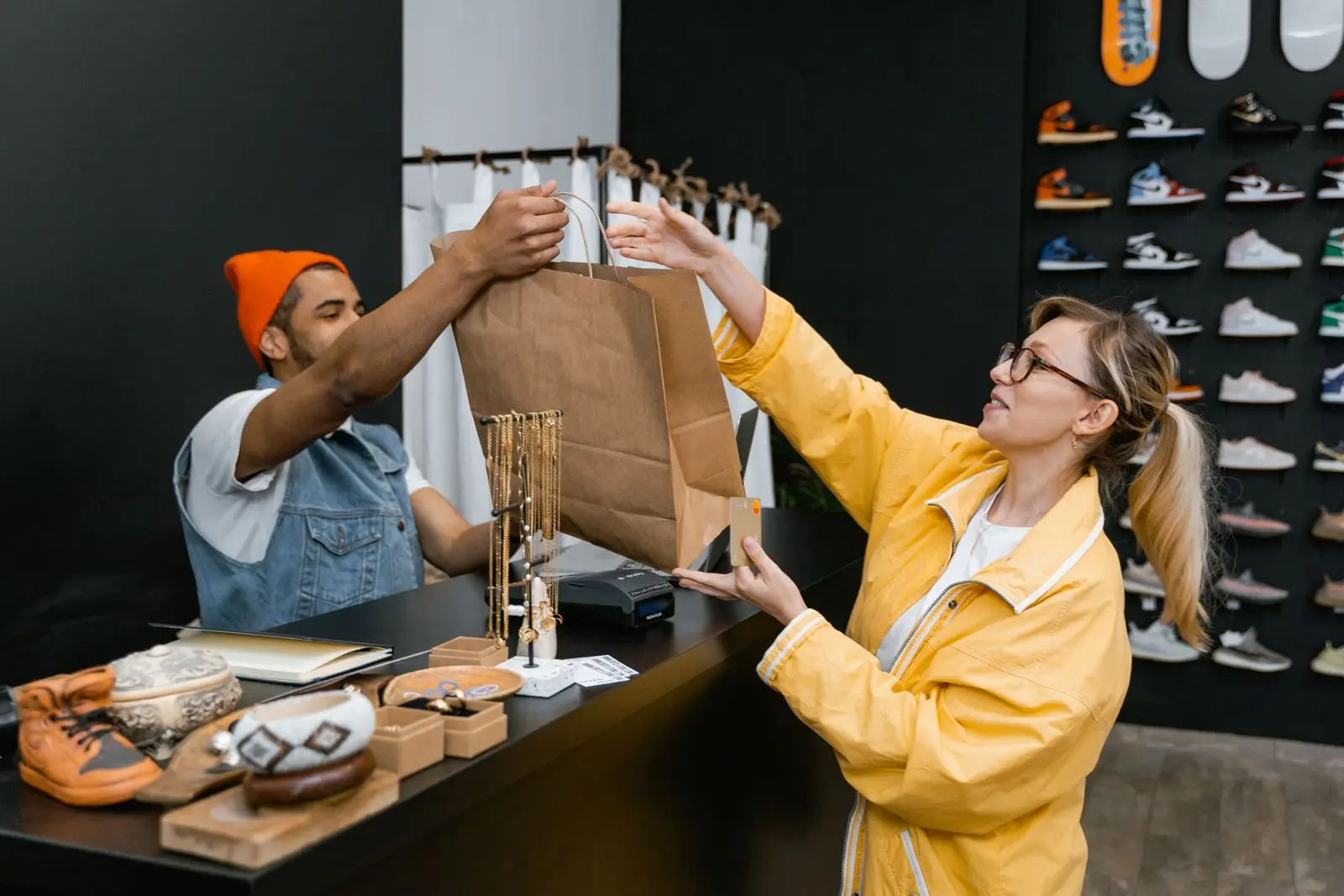
Click and collect looks like the easiest thing an omnichannel retailer can offer. The customer pays online, walks in, and takes the bag. No delivery cost, no courier, no packaging beyond a paper bag. Yet it is the feature that generates the most complaints in UAE retail, and almost never because the software failed.
It fails on operations. The order arrives but nobody picks it. The item is picked but sits behind the counter with no label. The customer turns up and three staff members search the stockroom while a queue builds behind them. None of that is a sync problem, and none of it gets fixed by better integration alone.
This is the third post in our WooCommerce series. The first covered what integration does and the second went into inventory sync. This one is about what happens between the order landing and the customer leaving with it.
The Four Steps Where It Breaks
Every collection order passes through four stages, and each has its own failure mode. Understanding them separately is what turns a vague promise of same day collection into something your staff can actually deliver during a busy Saturday.
| Stage | What Should Happen | Common Failure |
|---|---|---|
| Order lands | Stock reserved, order visible at the counter | Order sits unseen in a separate dashboard |
| Pick | Item pulled and scanned against the order | Wrong variant picked, no verification |
| Hold | Bag labelled and stored in a known location | Unlabelled bag behind the counter |
| Handover | Order matched to customer, marked collected | Never closed off, stock stays committed |
Making the Order Visible Where Staff Actually Look
The first failure is the most common and the least dramatic. An order arrives, an email goes to an inbox nobody checks during trading hours, and it is discovered three hours later when the customer phones to ask if it is ready.
Collection orders need to appear in the same place staff are already working, which is the POS screen at the counter. If seeing online orders requires opening a browser, logging into WooCommerce admin, and remembering to check it periodically, it will not happen reliably on a busy day. It might work in a quiet week and then fail exactly when volume is highest.
This is the practical argument for orders flowing into the POS rather than living in a separate system. Staff working the till see a pending collection queue alongside walk-in sales without changing what they are looking at.
A useful test: ask a cashier to show you every collection order waiting right now. If they have to open a laptop or ask someone else, your click and collect will fail under pressure.
Picking Against the Order, Not From Memory
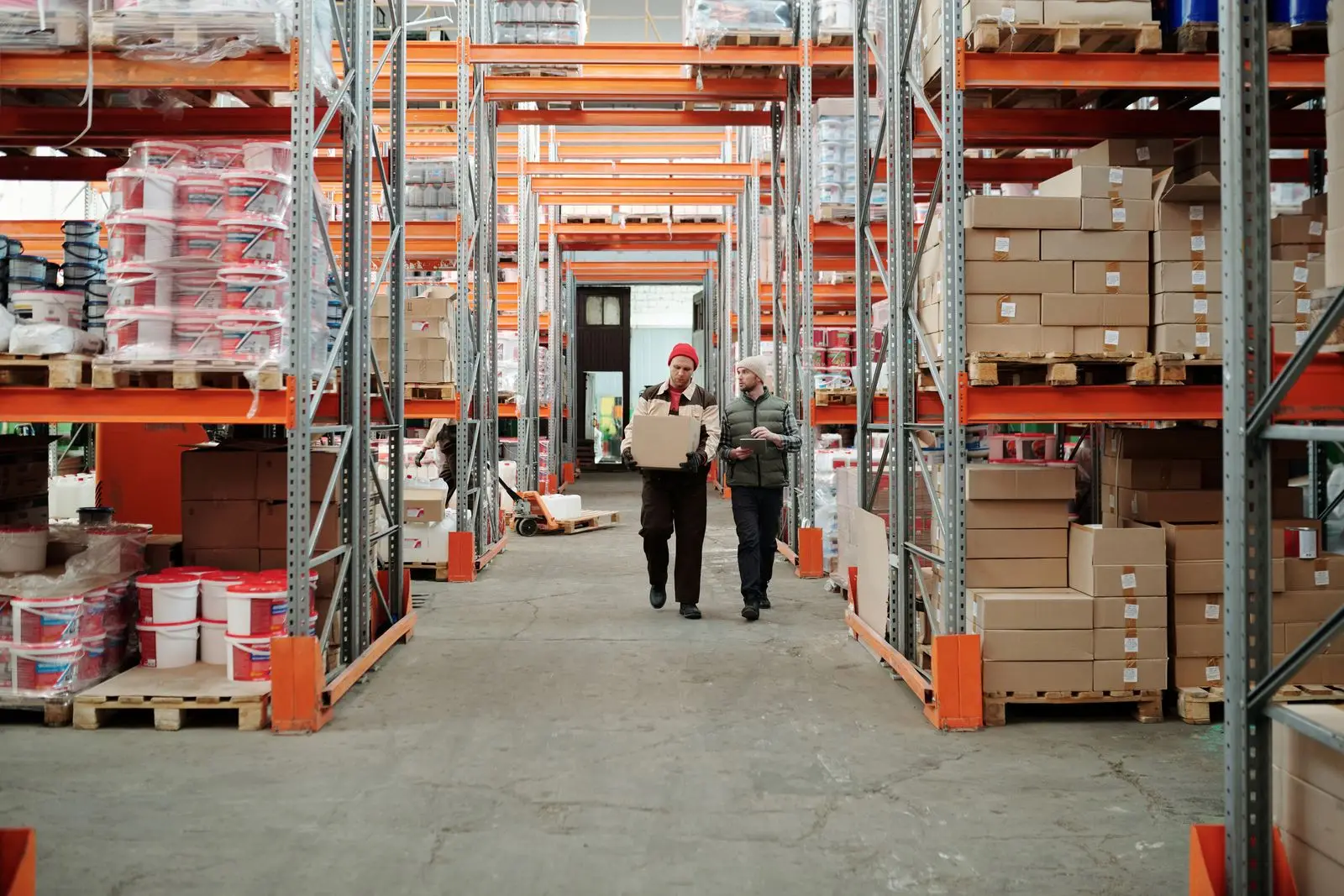
Picking is where variant errors creep in. A customer orders a medium in navy, staff pull a medium in black because that is what was on the front rail, and nobody notices until handover. The customer is now standing in your store holding the wrong item, which is worse than a delivery error because it happens in front of everyone.
Scanning the item against the order at pick time removes this entirely. The barcode either matches the ordered variation or it does not, so the check happens before the bag is sealed rather than after the customer arrives. This is the operational reason the variation level barcoding covered in the previous post matters, since without a barcode per variation there is nothing specific to scan against.
For orders with several lines, picking should also confirm completeness. A partially picked order that gets bagged and labelled looks identical to a complete one, and the gap only surfaces at the counter.
The Holding Area Nobody Plans
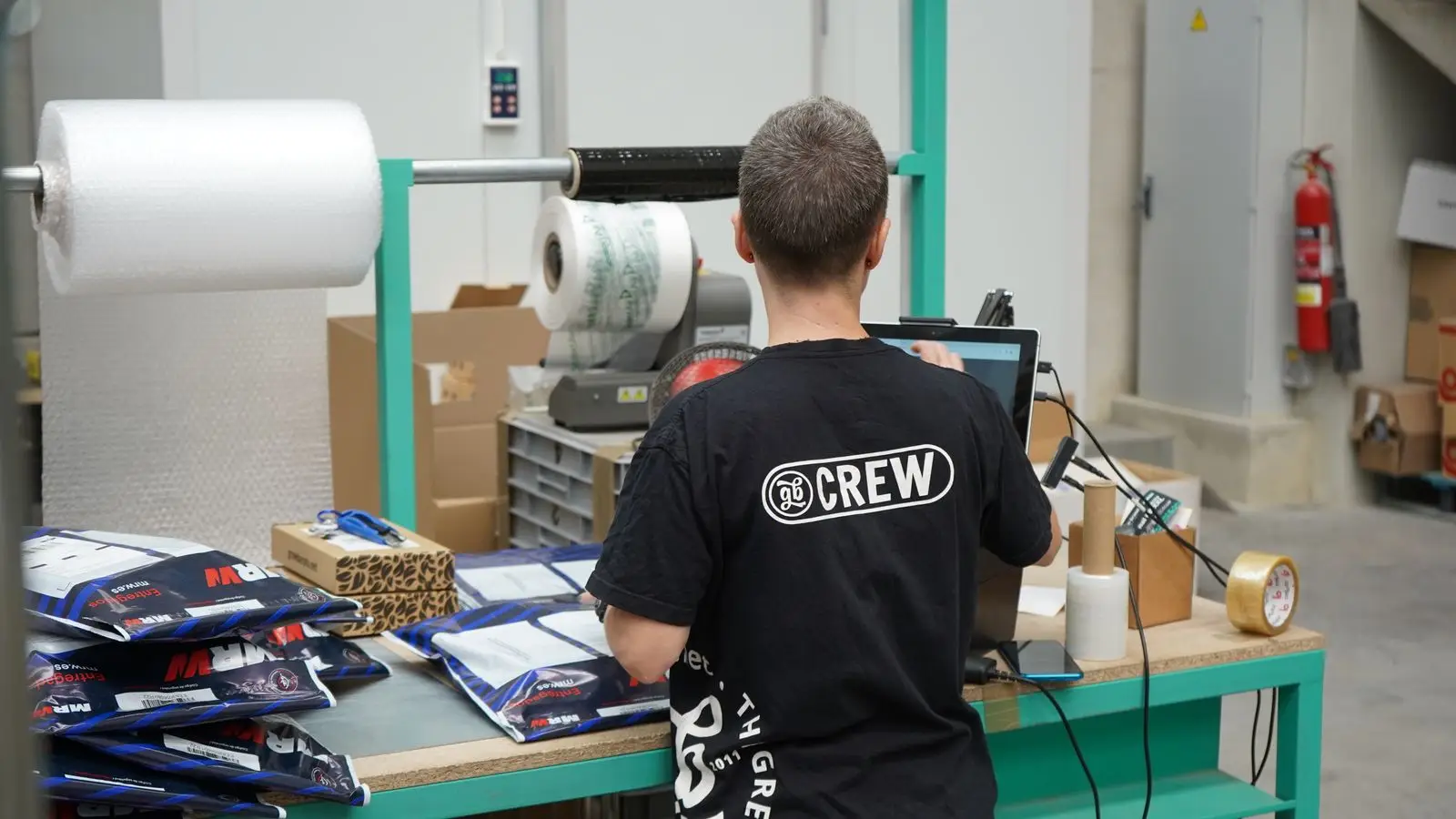
Most retailers set up click and collect without deciding where picked orders physically live, and the default becomes a corner behind the till. That works for three orders a day and collapses at fifteen, particularly across shift changes when the person who picked the order is no longer in the building.
Two things fix this cheaply. First, every bag carries a printed label with the order number and customer name, not a handwritten note. Second, the holding location is recorded against the order, even if it is as simple as shelf A, B or C. The staff member at handover then reads the location from the order rather than searching.
It is also worth setting an expiry policy from the start. Orders that are never collected need a defined point at which they are unpacked and returned to sellable stock, otherwise that stock stays committed indefinitely and slowly corrupts your available counts.
Worth deciding early: how long you hold an uncollected order before returning it to stock. Seven days suits most retailers, with a reminder message a day or two before.
Handover and Closing the Loop
The final step is the one most often left incomplete. Staff hand over the bag, the customer leaves happy, and nobody marks the order collected. From the system’s point of view that order is still open, its stock still committed, and your reporting still counts it as pending.
Marking collection at the counter closes the loop properly. Stock moves from committed to sold, the order leaves the pending queue, and the sale appears in the same day’s figures alongside walk-in transactions. It also gives you the one number that tells you whether click and collect is working, which is the time between order placed and order collected.
Handover is also a commercial moment worth using. The customer is physically in your store, already committed, and holding something they wanted. Retailers who track it usually find a meaningful share of collection customers add something at the counter, which is the main reason click and collect tends to outperform home delivery on margin even before you subtract courier costs.
Multi-Branch Collection
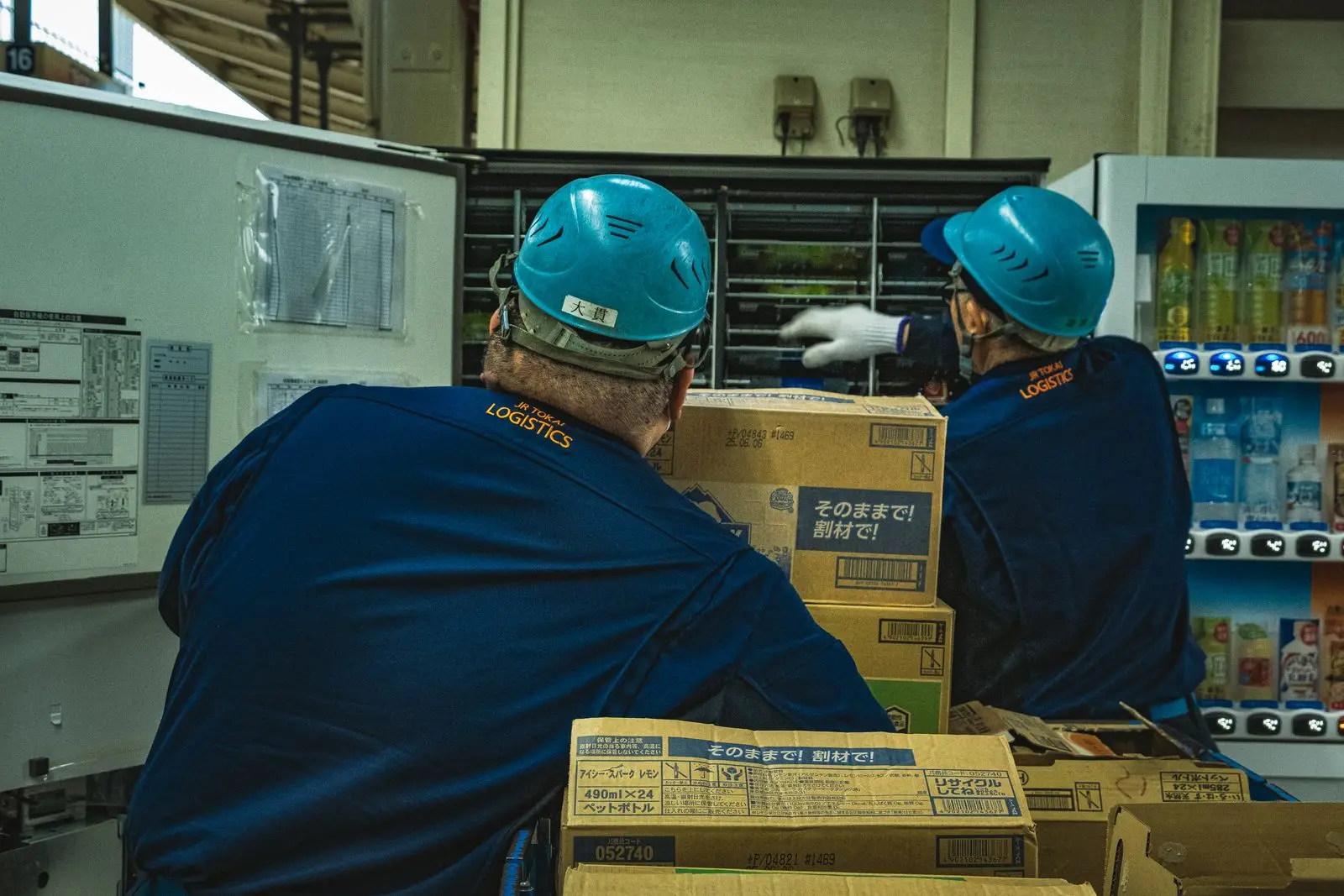
Once you offer collection at more than one location, the customer picks a branch at checkout and that choice has to reach the right store. The order should appear only in the queue of the selected branch, and the stock should be reserved at that branch specifically rather than against a pooled total.
Offering collection from a branch that does not hold the item is possible, but it needs an honest transfer time shown at checkout rather than a same day promise you cannot keep. Retailers running multi-location integration can see branch level stock at the point of the promise, which is what makes the difference between a realistic collection window and an apology the next morning.
The reporting side matters too. Collection volume and fulfilment times vary sharply between branches, and comparing them is usually how you find the one store where the process has quietly stopped being followed. This is the same branch level visibility that multi branch businesses use for the rest of their operations.
Starting Small Is the Right Call
Almost every retailer who launches click and collect well starts narrow. One branch, a limited product range, and a collection window measured in hours rather than minutes. That gives staff room to build the habit while volume is low enough that mistakes are recoverable.
Widening comes after the basics hold: orders visible at the counter, items scanned at pick, bags labelled and located, collections marked off. Get those four right at one store and the process transfers to the others largely intact. Launch across five branches on day one and you will be debugging five different improvised workflows at once.
MultiTech POS handles collection orders inside the same WooCommerce POS integration and the same stock management system your counter already runs on, so the pending queue, the reservation, and the final sale all sit in one place rather than three.
Thinking about offering click and collect?
Book a demo and we will map the pick, hold and handover steps against how your own store actually runs.
Frequently Asked Questions
1. Does click and collect need a separate system from my POS? No, and it works better without one. Collection orders should appear in the same counter screen staff already use, because anything requiring a second login tends to get missed during busy trading.
2. When should stock be reserved for a collection order? At the moment the order is placed. If stock is only committed at pick time, the item can be sold at the counter in the gap between the order arriving and someone picking it.
3. How long should we hold an uncollected order? Around seven days works for most retailers, with a reminder sent beforehand. The important part is having a defined point where the order is unpacked and the stock returns to sellable.
4. Can customers collect from a branch that does not have the item? Yes, if you transfer it in and show a realistic collection window at checkout rather than promising same day availability you cannot meet.
5. What should we measure to know it is working? Time from order placed to order collected, and the percentage of orders never collected. Both surface process problems long before customers start complaining.
